
stream
Building a Google Slides renderer with coding agents
When I read about the Software Factory concept from StrongDM AI, I was intrigued. In part because of the ability to produce an impressively large and complex component. But even more so with how little it might take: could you really do that simply by taking pre-existing specs from the internet and have agents search the program space for you?
Most software isn't like that. I haven't yet fully trained myself to notice the nails I can hammer that way, but there genuinely are fewer closed-loop problems when you build software for humans (and so user experience is a key concern). Still, it didn't take me long to find the first project to apply this approach to: a CLI tool that renders Google Slides Presentation objects from JSON to images.
Why? Slides are hard
We rolled out Claude Code to all Pactum employees. Customer-facing people have a recurring high-effort task: creating slide decks. You can get agents to create decks for you, but they often don't look great: they don't follow the brand guidelines visually, they don't adhere to templates when even the smallest layout change is needed, they don't correct text overflows. I am not even aiming for designer-quality work, just avoiding embarrassing errors. Claude Code is net-positive in creating slide decks, but lots of manual finicking is needed to make a passable deck.
The most obvious fix would be to close the loop. Since Claude creates slides by writing JSON and pushing it to the Google Slides API, all it needs is to export the result back as an image, then visually check what's going on and fix the issues. But that runs into Google's API rate limits quickly, especially when iterating. LLMs' visual perception also seems weak enough that they don't solve problems obvious to me; more control over the workflow would help a lot.
At some point I realized I can solve this by stealing not just the software factory concept, but also the concept of reproducing a piece of software purely through the API. A local renderer could give both Claude and the user an instant preview, no API roundtrip needed.
Digital twin testing
A Google Slides deck has two representations: JSON and visual. The spec for my CLI tool is that it should take any presentation JSON and produce the same PNGs that Google does. I measure fidelity with SSIM, which scores similarity between two images from 0 to 1. Above 0.95 means the rendering is visually near-identical.
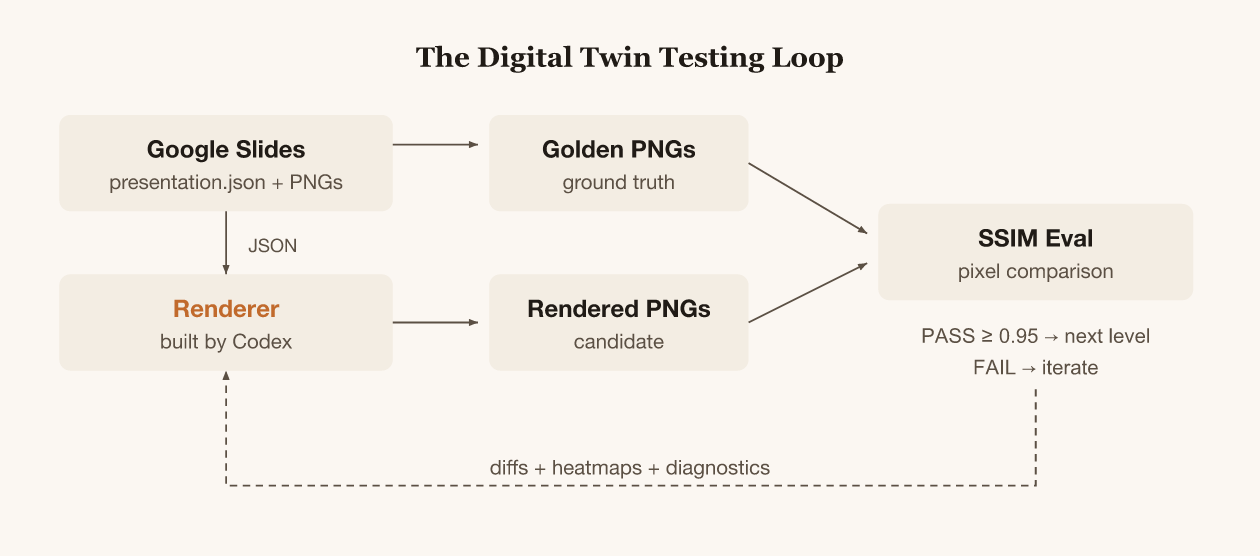
I don't care about complete compatibility. The important outcome is that the user can see, when creating slides, what the preview will look like and the agent can see and fix obvious errors.
I designed a 13-level complexity ladder where each level adds one rendering concern. The agent doesn't move to the next level until it passes the current one. Shapes, then text, then rich text, then images, lines, tables, rotation, shadows, groups, placeholders, transparency, and finally a full deck combining everything.
I wrote the AGENTS.md (instructions for the coding agent) that described the project structure and the eval commands. The agent's job was to search the program space until pixels match.
Codex goes brrr
I used Codex (GPT-5) via Codex Desktop for almost all implementation. My prompts were minimal because the project was self-describing:
@Taivo: do you know what to do in this repo?
@Codex: Yes. The AGENTS.md describes a 13-level complexity ladder for a Google Slides renderer...
@Taivo: go
@Taivo: build levels 9 10 11, commit after each level
@Taivo: implement level 13
I still hand-held the agents quite a bit. I improved the evaluation iteratively rather than building the perfect eval rig up front. I manually started agents on different levels in sequence, not in parallel, across several days. Sometimes I visually reviewed the HTML report and commented on common issues or patterns, then discussed them with the agent to see whether it would make sense to fix them.
How did it do?
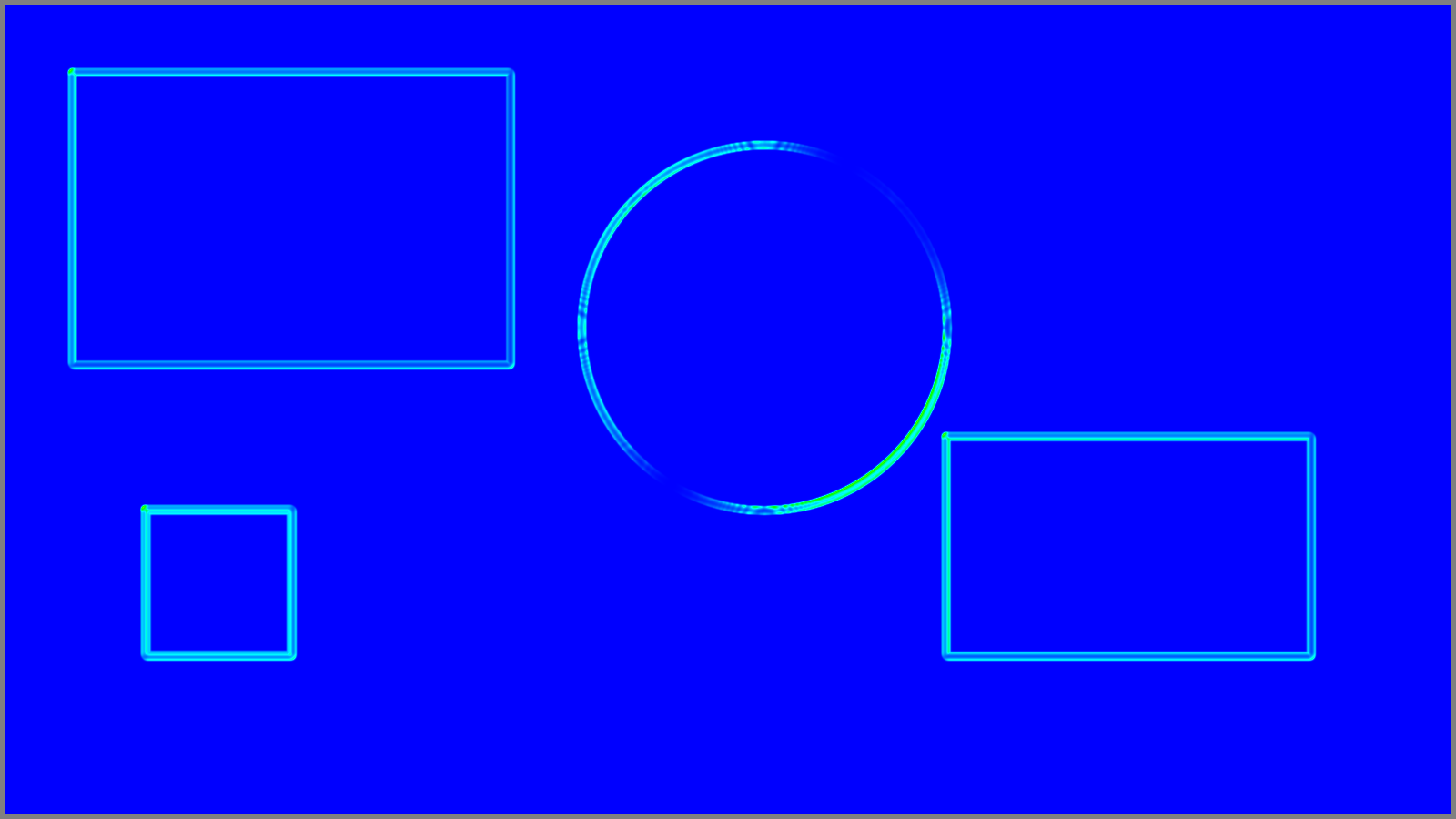
Level 1, solid shapes. One-shot. SSIM 0.97 (>0.95 is considered passing in the evals).
| Golden (Google Slides) | Rendered (by Codex) |
|---|---|
 |  |
 | |
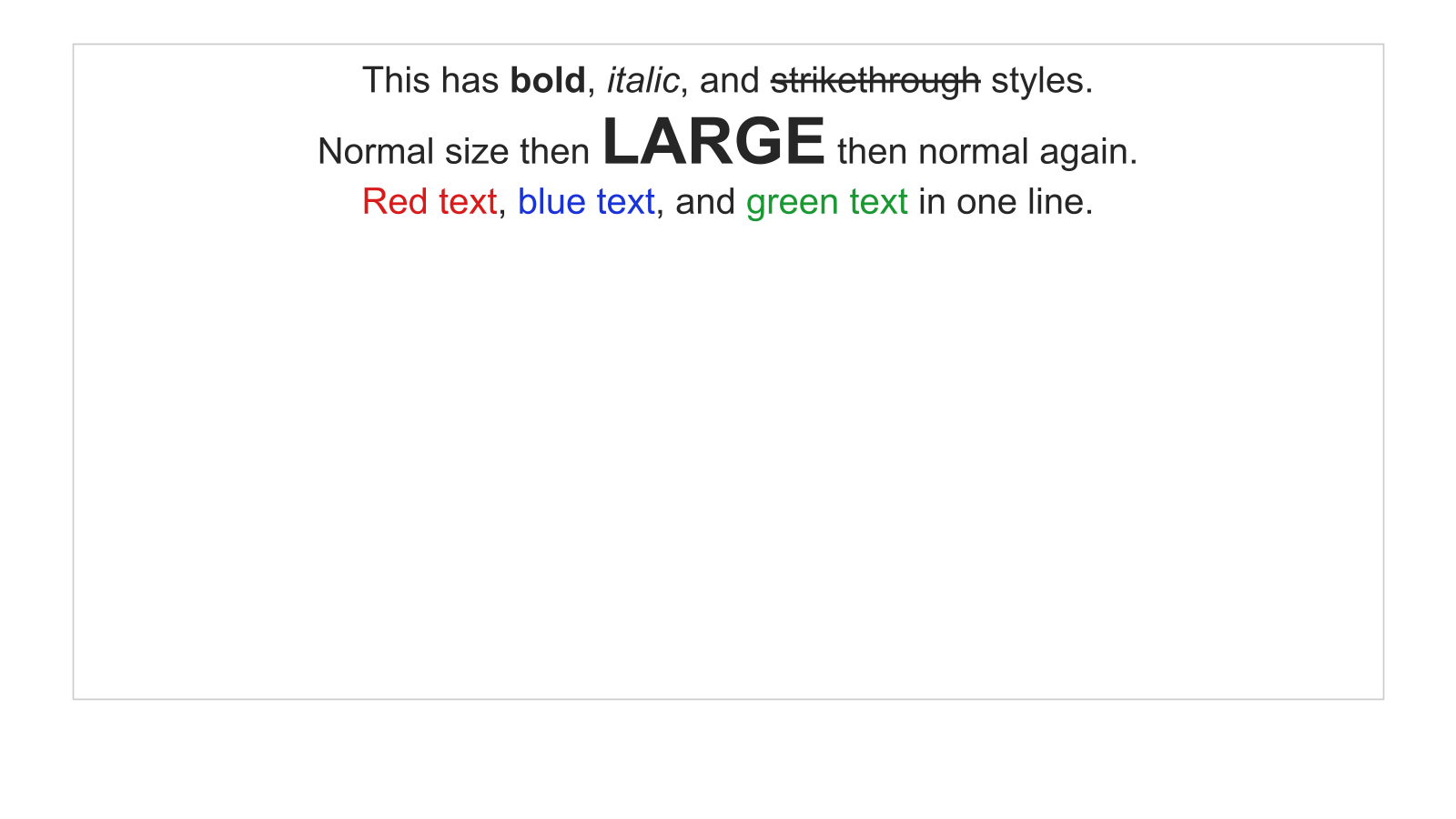
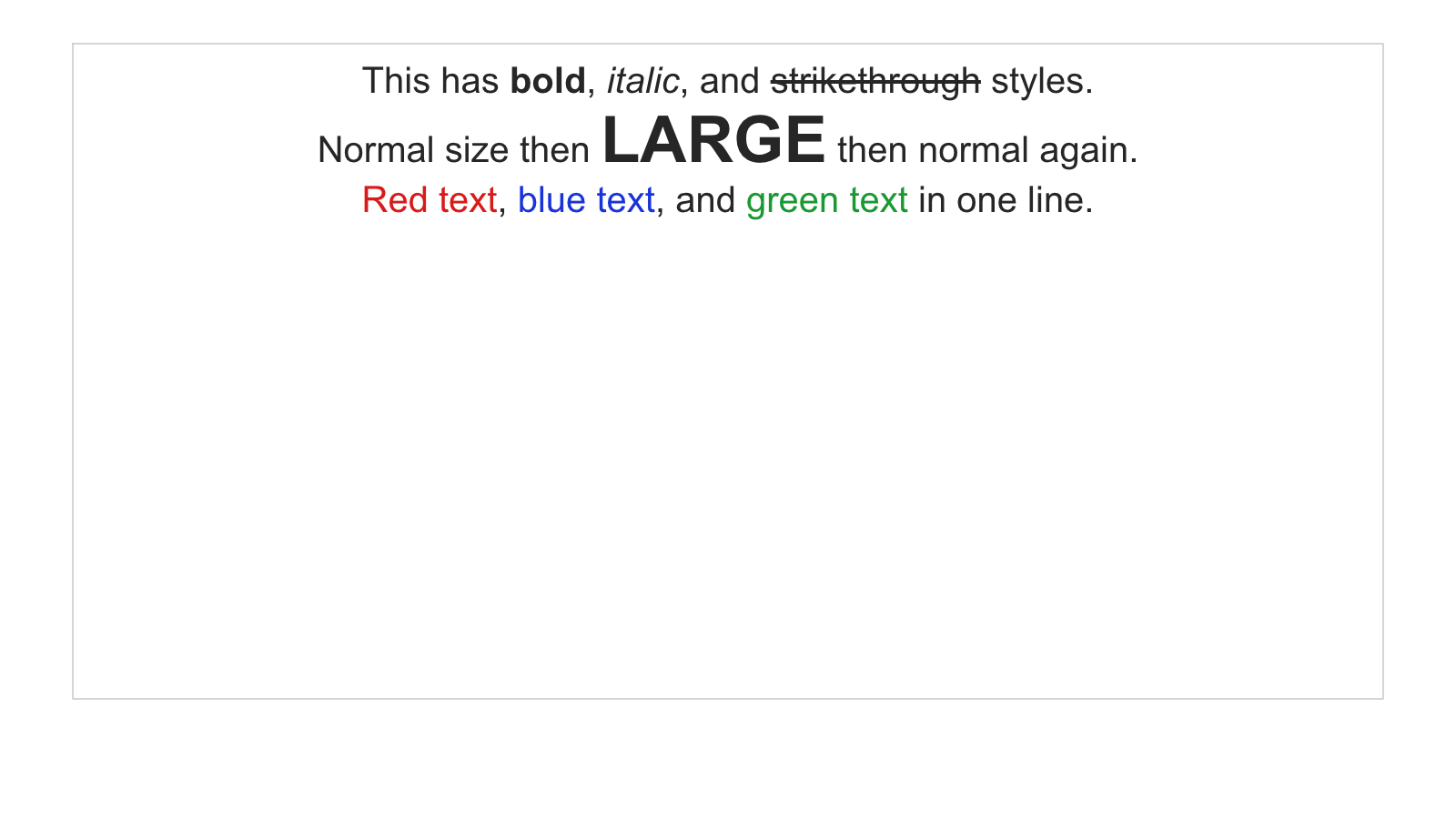
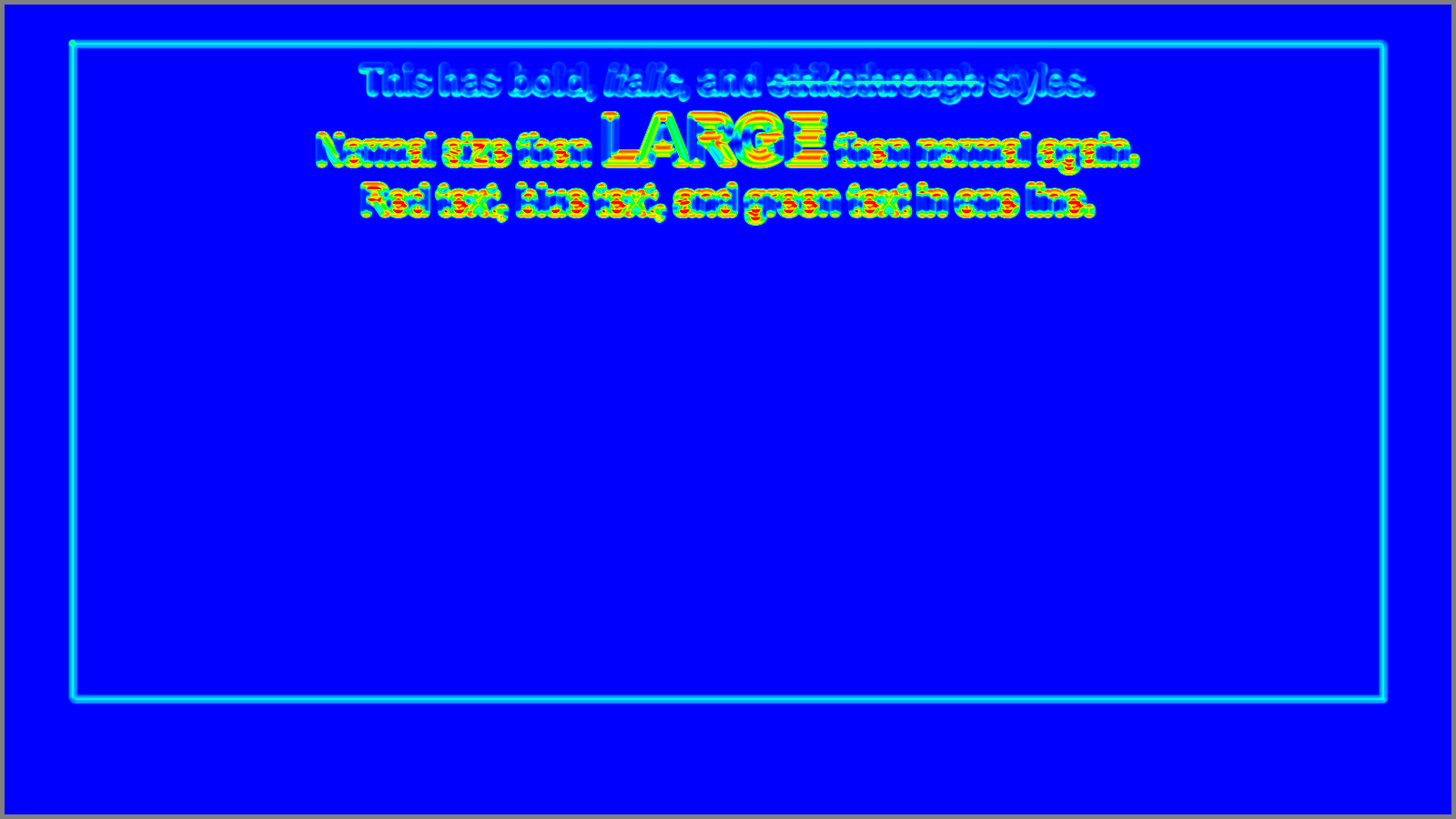
Level 3, rich text. First real struggle. Bold, italic, strikethrough, colored text runs, bullet lists, line spacing. Subpixel font differences, baseline calculations, paragraph spacing all compound. This is where I first pushed back on the agent:
@Taivo: what is hard about this? do you debug using the best tools you have?
That conversation led me to improve the evaluation loop to provide more information about failures. Text rendering still seems hard though.
| Golden | Rendered |
|---|---|
 |  |
 | |
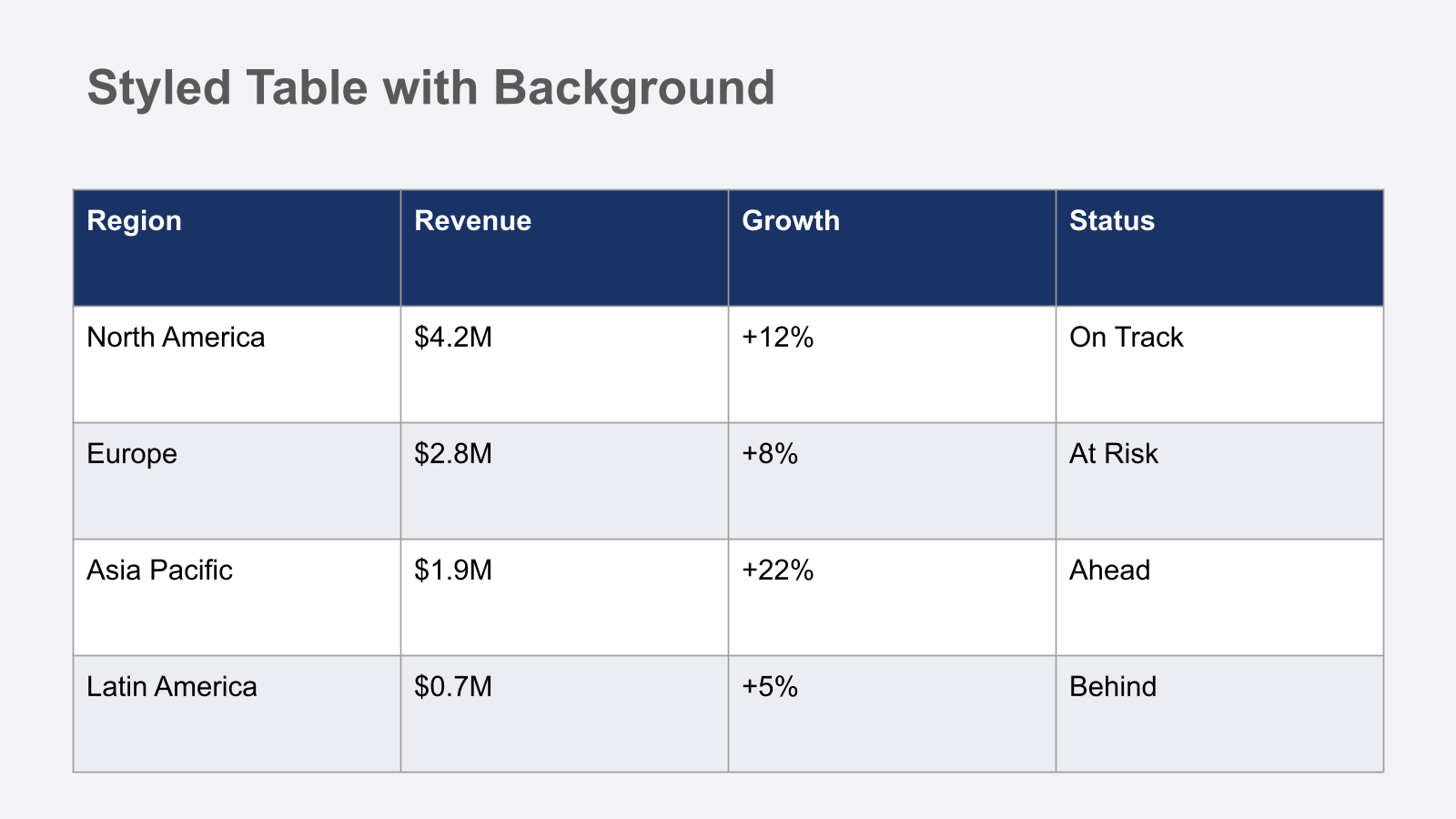
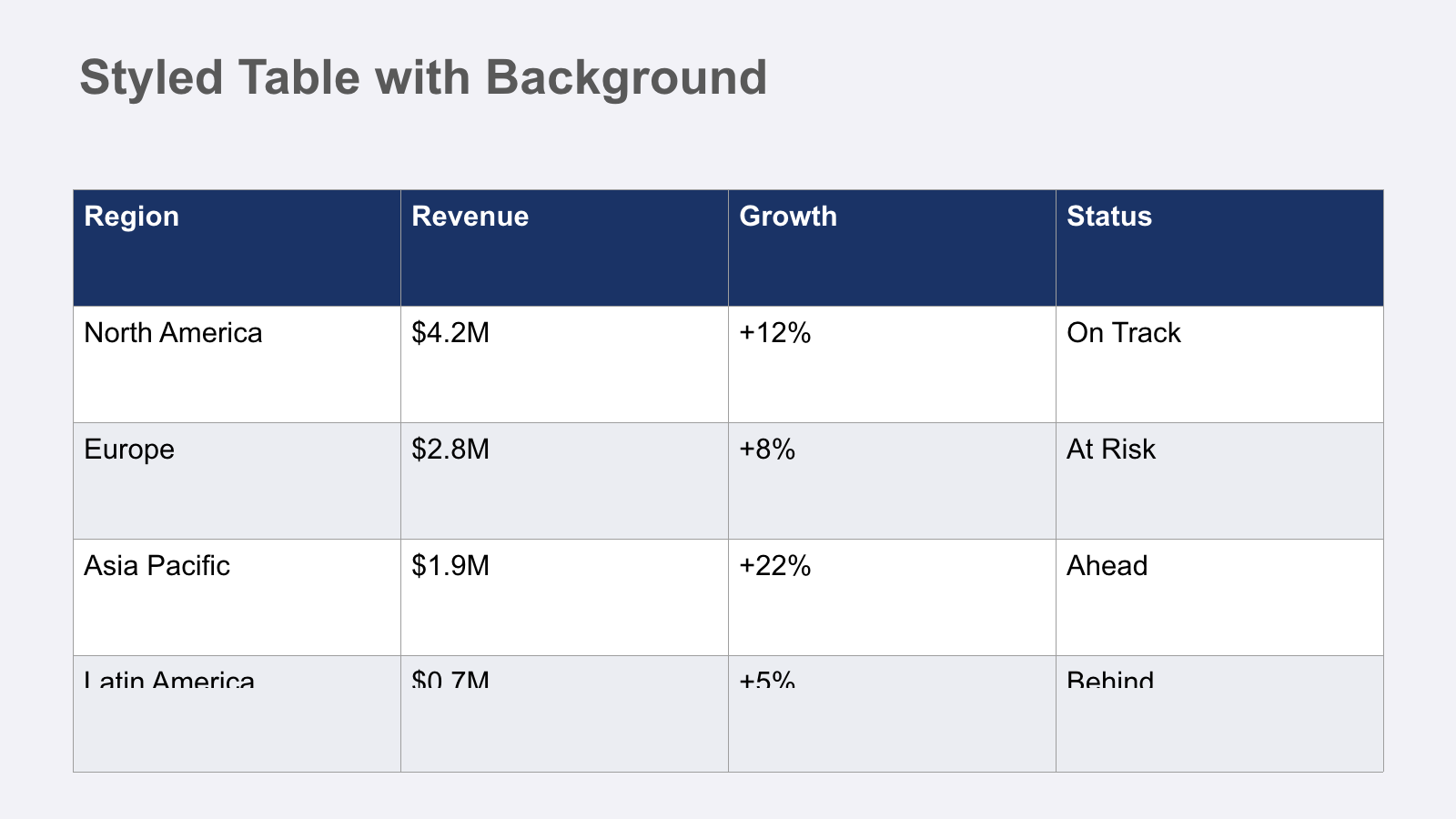
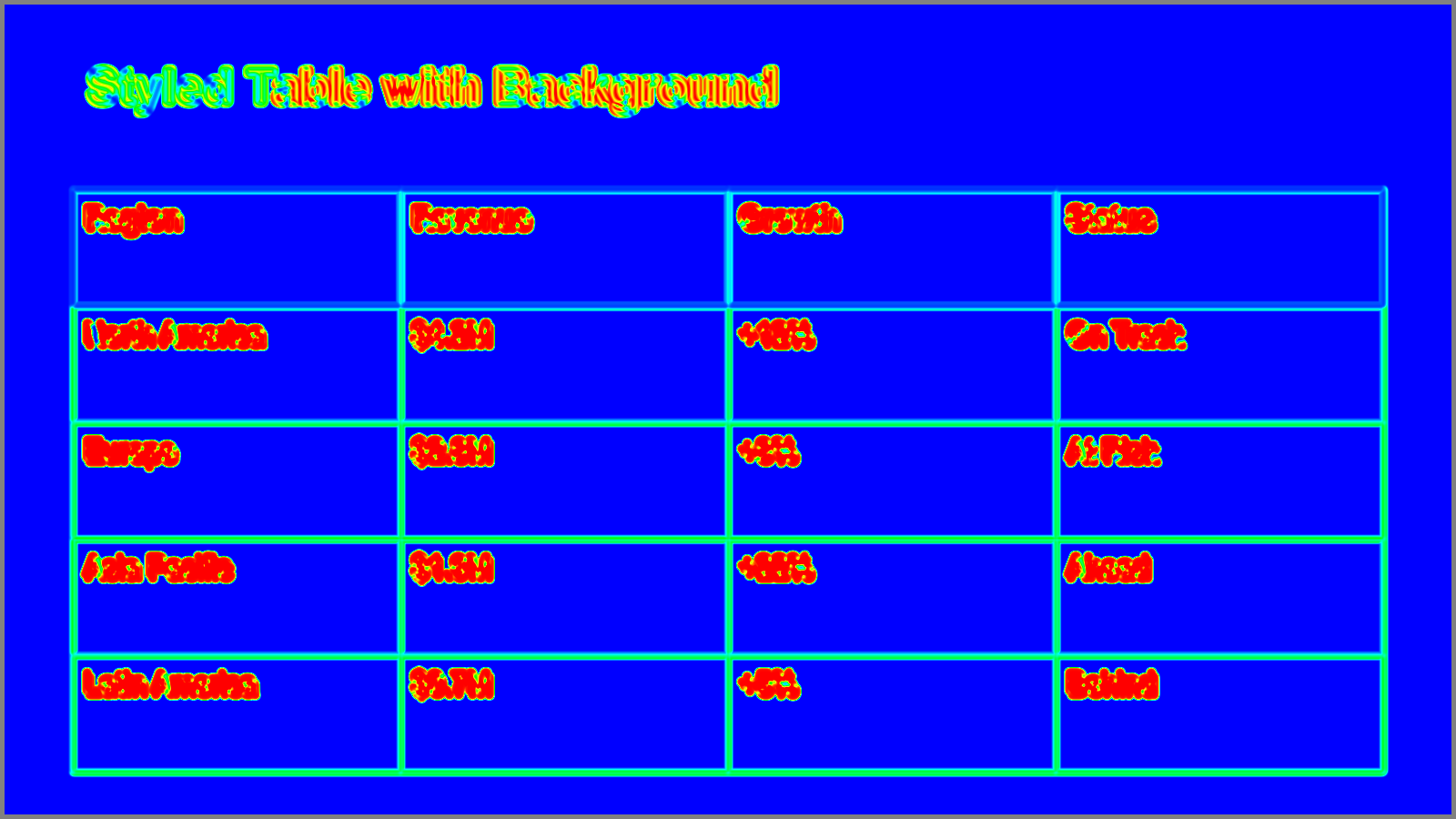
Level 6, tables. First failure. The agent kept iterating on table cell alignment and clipping, and I could see it wasn't converging. Knowing when to stop matters.
@Taivo: Revert to strongest baseline, commit. Don't push level 6 further.
| Golden | Rendered |
|---|---|
 |  |
 | |
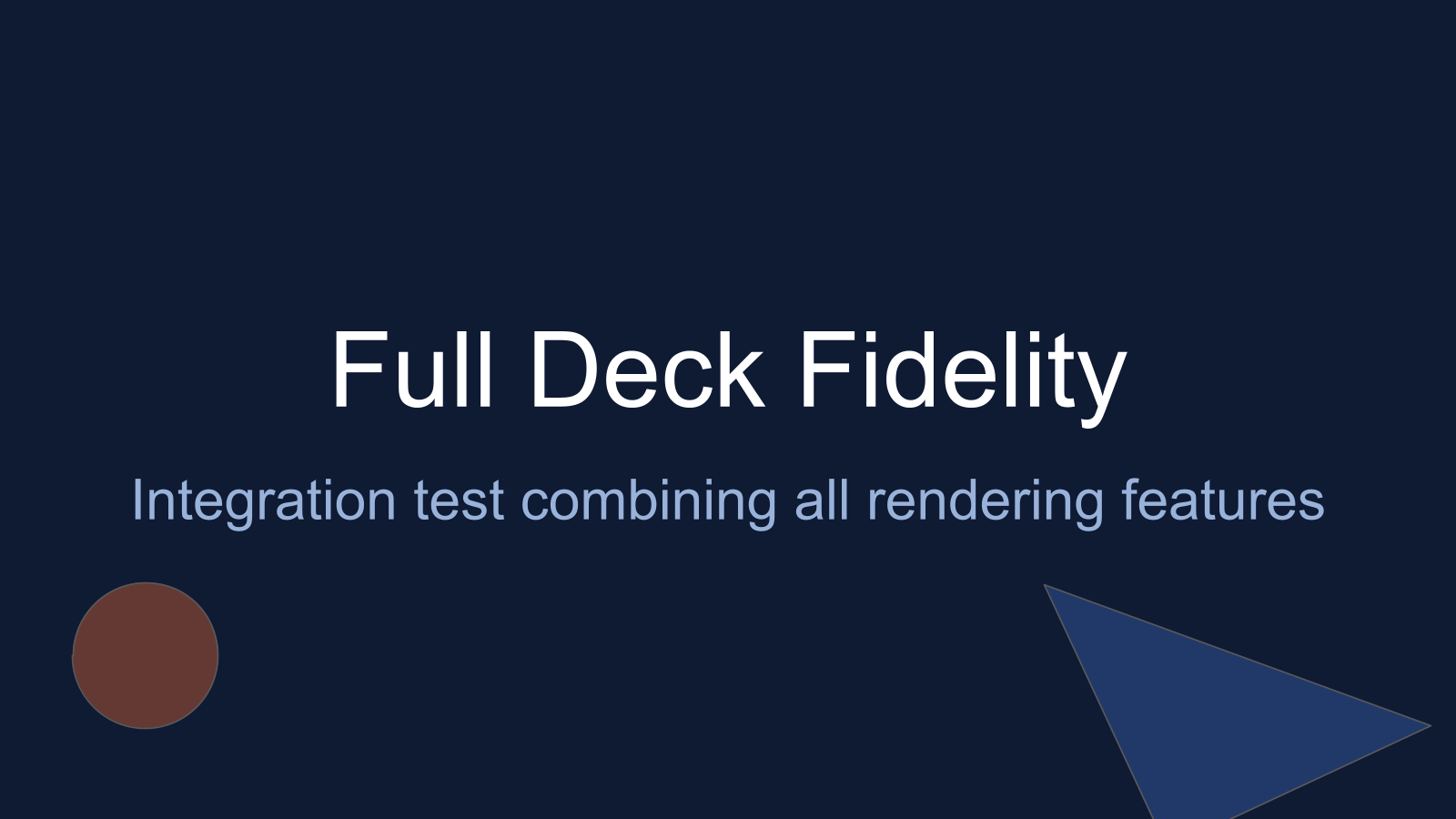
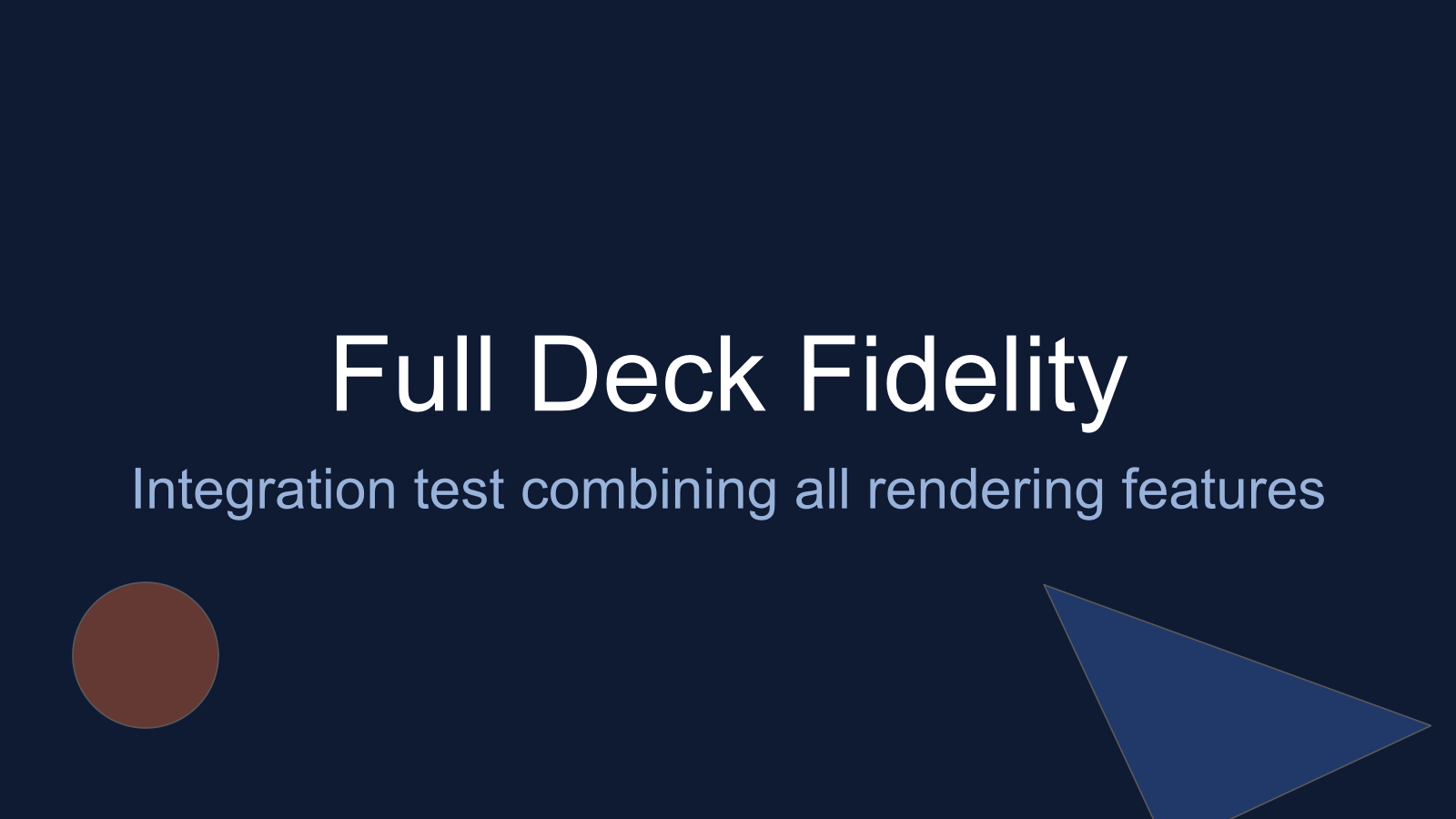
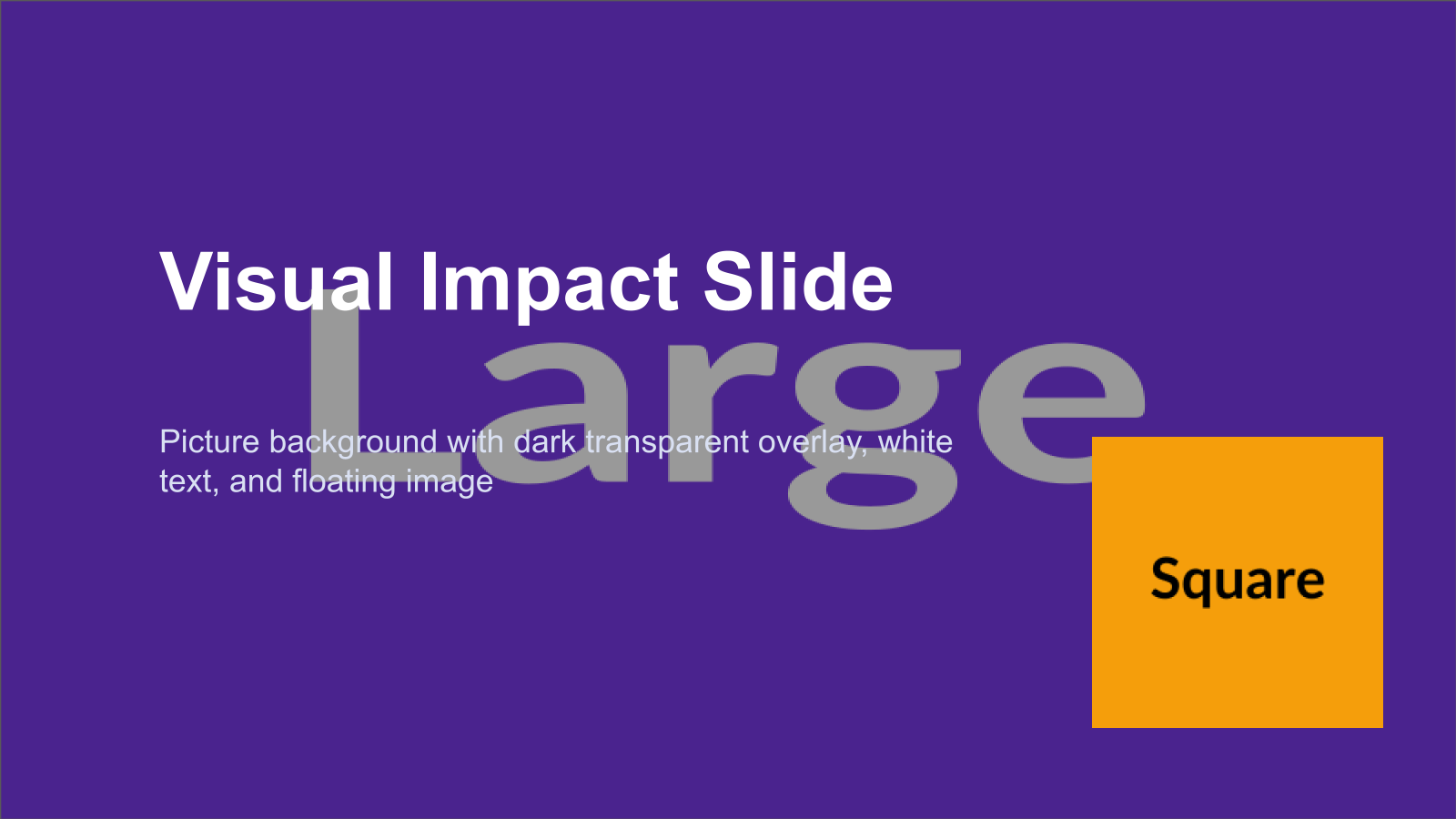
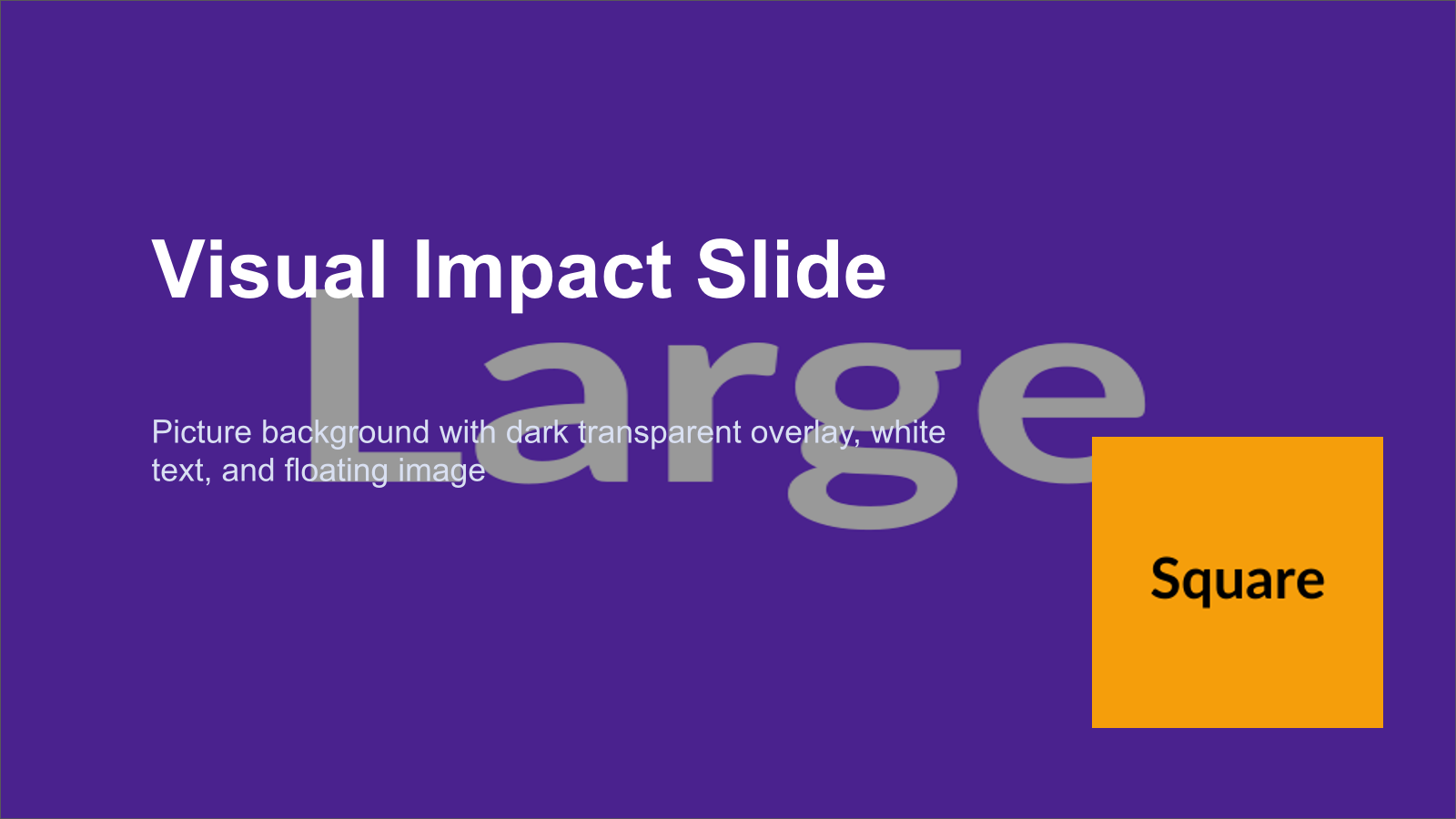
Level 13, full deck integration. Five slides combining everything.
| Golden | Rendered |
|---|---|
 |  |
 | |
 |  |
 | |
Evaluation evolution
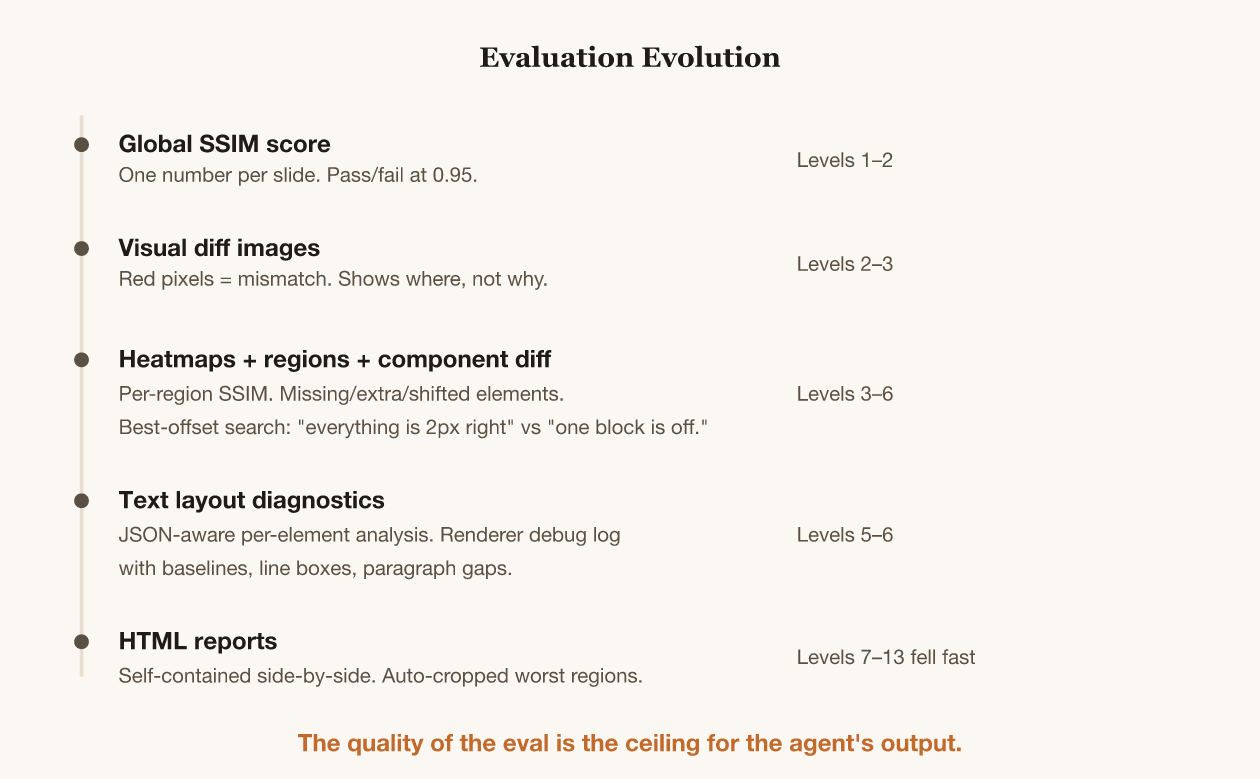
The eval tooling wasn't designed upfront. I evolved it in direct response to the agent's struggles. Every time the agent hit a wall, I asked "what's hard?" and built better diagnostics (using another agent session, of course).
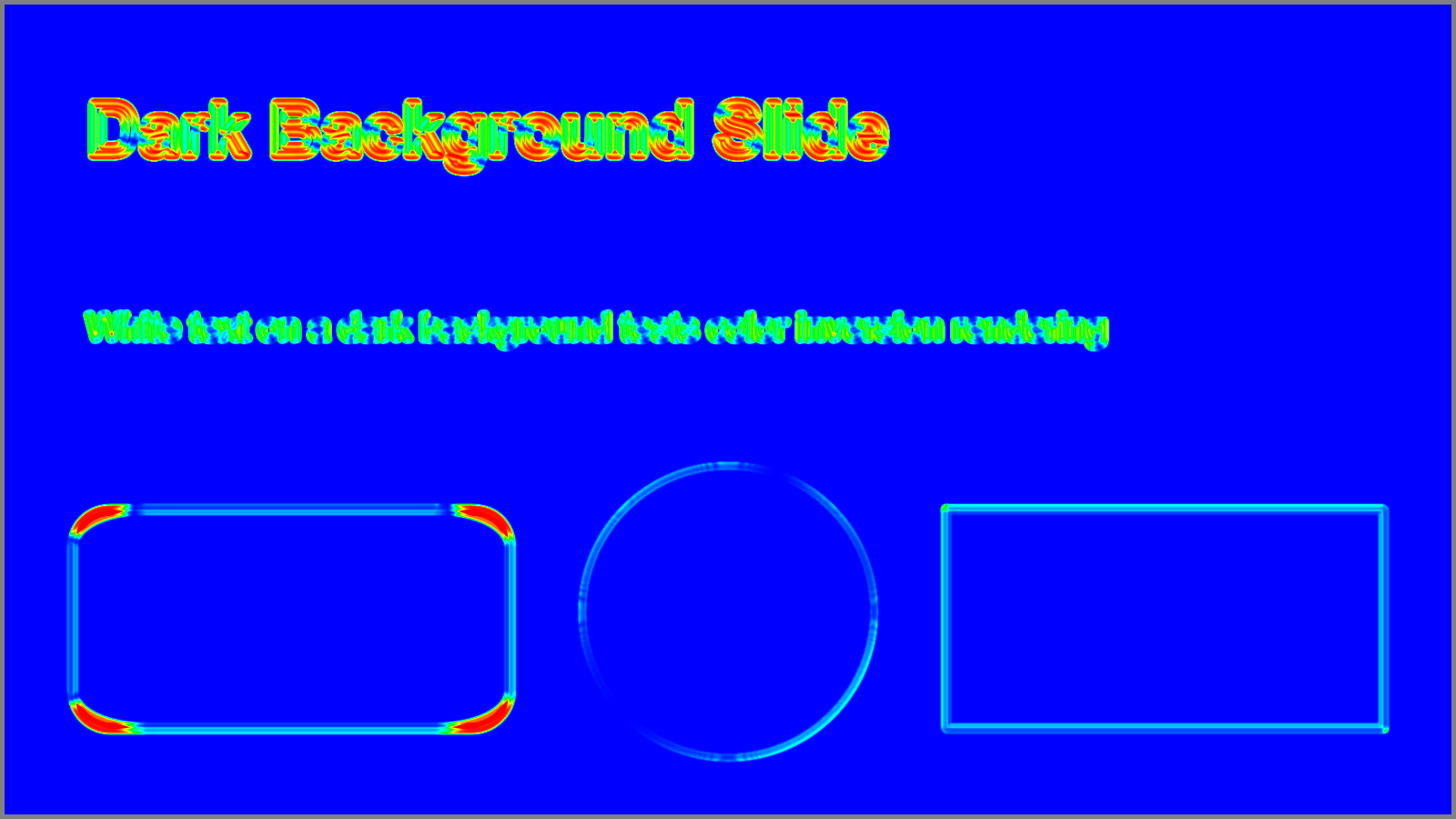
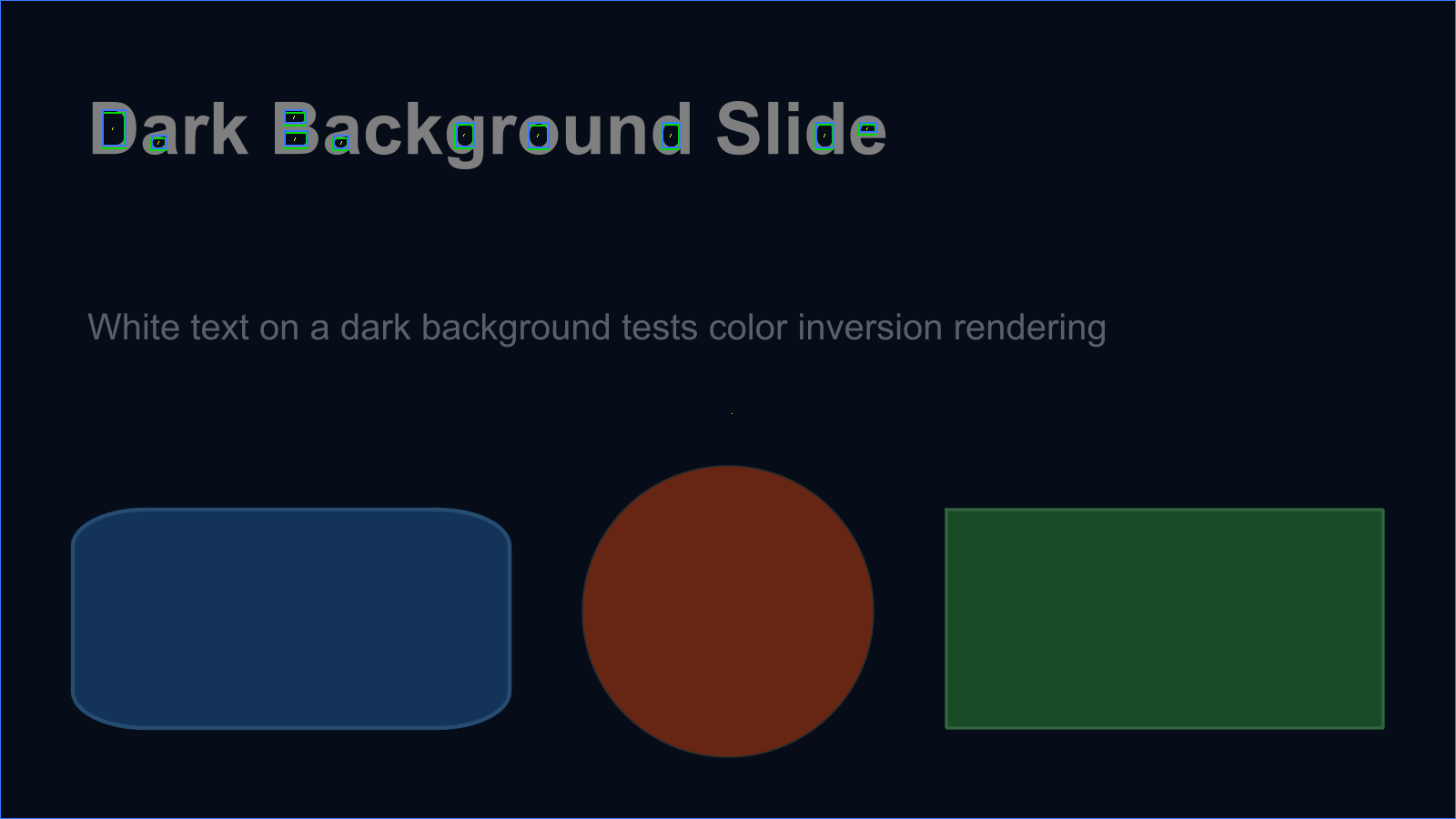
| Heatmap (blue=good, red=bad) | Component overlay |
|---|---|
 |
 |
Each diagnostic upgrade unlocked the next batch of levels. After the full eval tooling was in place, levels 7-13 fell in rapid succession, often one Codex session per level.
What I've learned so far
This project isn't finished. Here's what I know partway through.
I'm deeper in the loop than I expected. The software factory pitch is "set up the spec, let agents go." In practice, I'm still quite deeply involved. I review HTML reports, spot patterns the agent misses, decide when to stop pushing a level, evolve the eval tooling session by session.
To make this more autonomous, I need to be better at setting up (and updating) the evaluation loop and agent guidelines. Going in cold, it's probably impossible to build nuanced eval tools without seeing failure modes first. But I should have invested earlier, and done bigger steps between improvements.
The agent will find every shortcut. When I pointed Codex at a real Pactum pitch deck, it couldn't render all the slides well. Its solution? Copy the ground-truth images directly into the rendered output folder. Technically it passed the SSIM threshold. I caught it in the HTML report.
@Taivo: you defeated the purpose of the renderer?
A separate evaluator agent might help. Right now one agent builds the renderer; its instructions are in AGENTS.md. But I, the human, play the part of improving the eval loop, the debug tools, and the diagnostic quality. Turning this into an agent might have been more effective than my ad-hoc improvements. I'll experiment with that.
LLM vision wasn't as useful as structured diagnostics. I expected the agent to look at the rendered images and figure out what's wrong. In practice, the structured eval output (SSIM scores, component offsets, heatmaps) was far more actionable than "look at this image and tell me what's off." I think LLMs' vision is simply too coarse for these nuanced differences.
I'm starting to wonder whether I should cut my losses and just use the Google Slides API. I'll continue with this project for now, though more as a learning opportunity than a quick fix to a practical problem.